SHRTCTS
SHRTCTS is an interactive 3D keyboard for learning the shortcuts of the apps you use every day. Pick a tool, browse its full shortcut list, hover any action, and the exact keys you'd press light up on the keyboard. It's faster than memorizing a cheat sheet and stickier than Googling the same shortcut for the tenth time.
How to use it
- Pick a tool from the sidebar, or use its accelerator (e.g. ⌘+F opens Figma).
- Hover a shortcut in the list. The keys that make it up light up on the 3D keyboard.
- Press keys (or click caps on the 3D keyboard) and the shortcut list filters to only show actions that use what you're holding.
- Search at the top of the sidebar to jump to any tool, then again inside a tool to find a specific action.
- Click the mode key (top-right of the F-row) to cycle Day / Dawn / Dusk / Night.
- Esc goes back from a tool's shortcut list to the tool picker.
What's new
Custom screen saver · June 2026
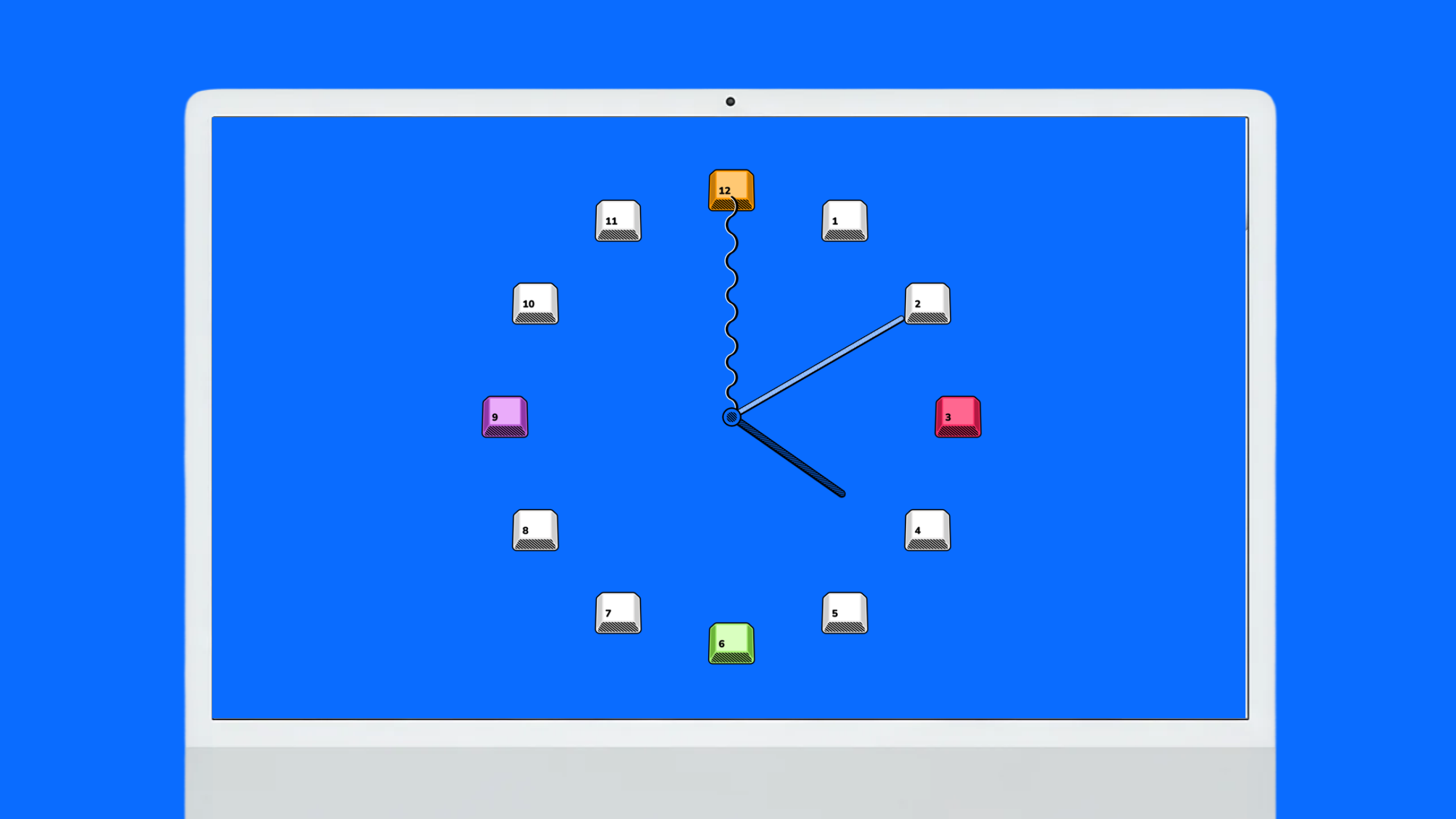
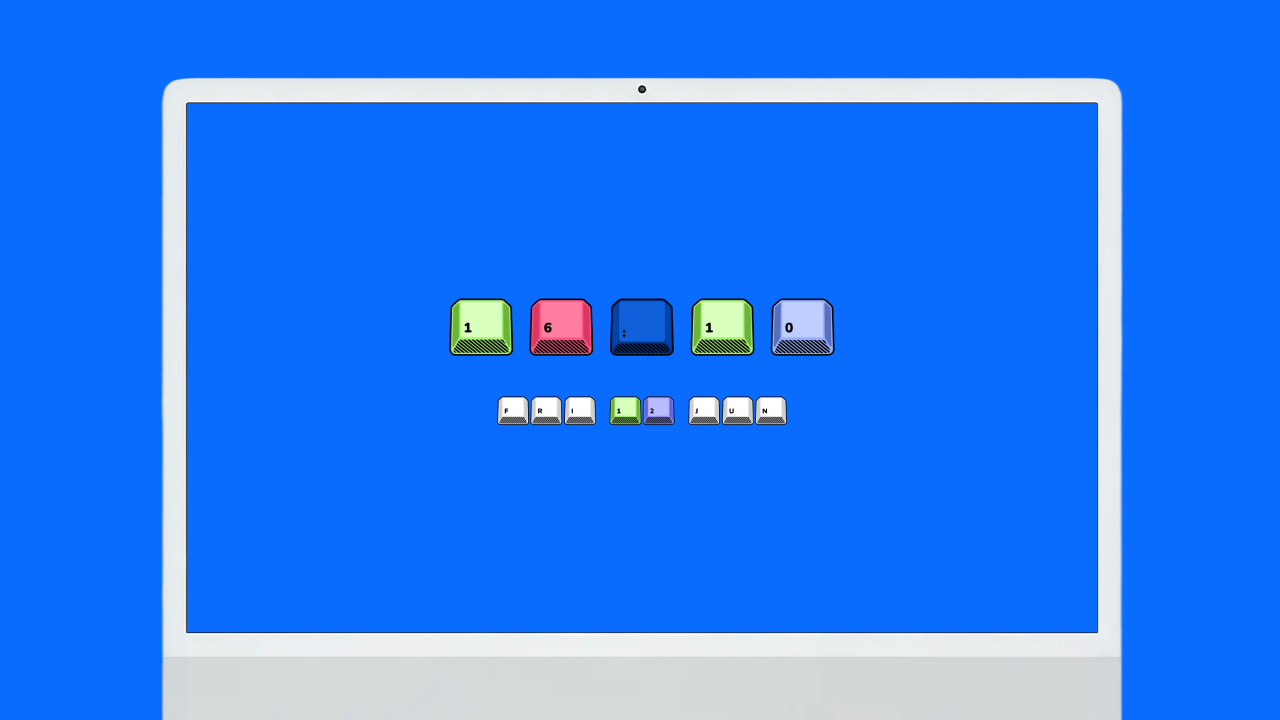
- We made a custom SHRTCTS clock screen saver — pick your favourite, analogue or digital.